

Common Settings
The Common Settings include those settings that are common to all apps or extension such as the Name, Description, Icon, Color, Tags, Order, Enabled, Show in apps library, and Enable feedback (see Figure 11). Many of these settings correspond with attributes of the term:app class and can be overridden by the portal administrator. Others control the sorting order, visibility, or accessibility of the app. A brief description of the common settings is provided below:
Name: The name of the app that will appear on the app tile on the Apps Library page (e.g.: "My First App").
Description: A description of the app that will be displayed when the user clicks on the info icon on the app tile.
Icon: Override the icon/logo of the app with a different icon. Accepts a relative path to a static file (e.g.:
my-first-app/images/other-logo.png) or a URL to an externally hosted image (e.g.:https://some.other-site.org/static/other-logo.png).Color: Override the theme color of the app (e.g.:
#1A2B3C).Tags: One or more tags for an app. Wrap each tag in double quotes and separate by commas (e.g.:
"Hydrology","Grided Data","THREDDS").Enabled: Enable or disable the app. Disabled apps are not accessible to non-admin users.
Show in apps library: Display the app on the Apps Library page. The app is still accessible by URL, but no app tile will be shown in the apps library.
Order: Force the order that apps are listed on the Apps Library page. Default order is alphabetical.
Enable feedback: When on, a button that launches a feedback form added to every page of the app. The feedback will be emailed to users listed in the
feedback_emailssetting in theapp.py.
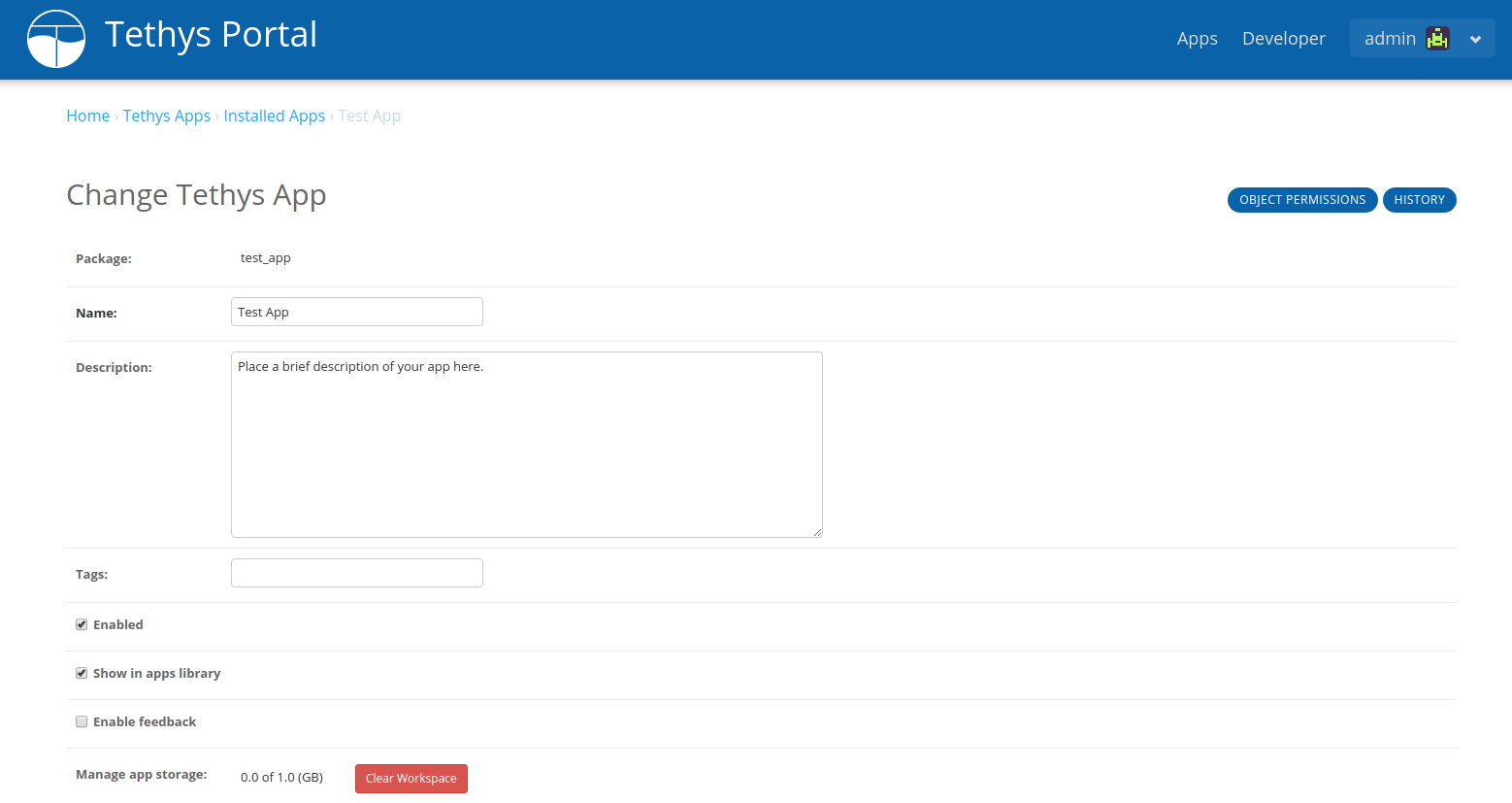
Figure 11. App settings page showing Common Settings.