

Manage App Storage
Within the app settings page there is a Manage app storage section that provides a summary of the app workspace storage and the current quota being enforced on it (see Figure 1). To clear the workspace click the Clear Workspace button.
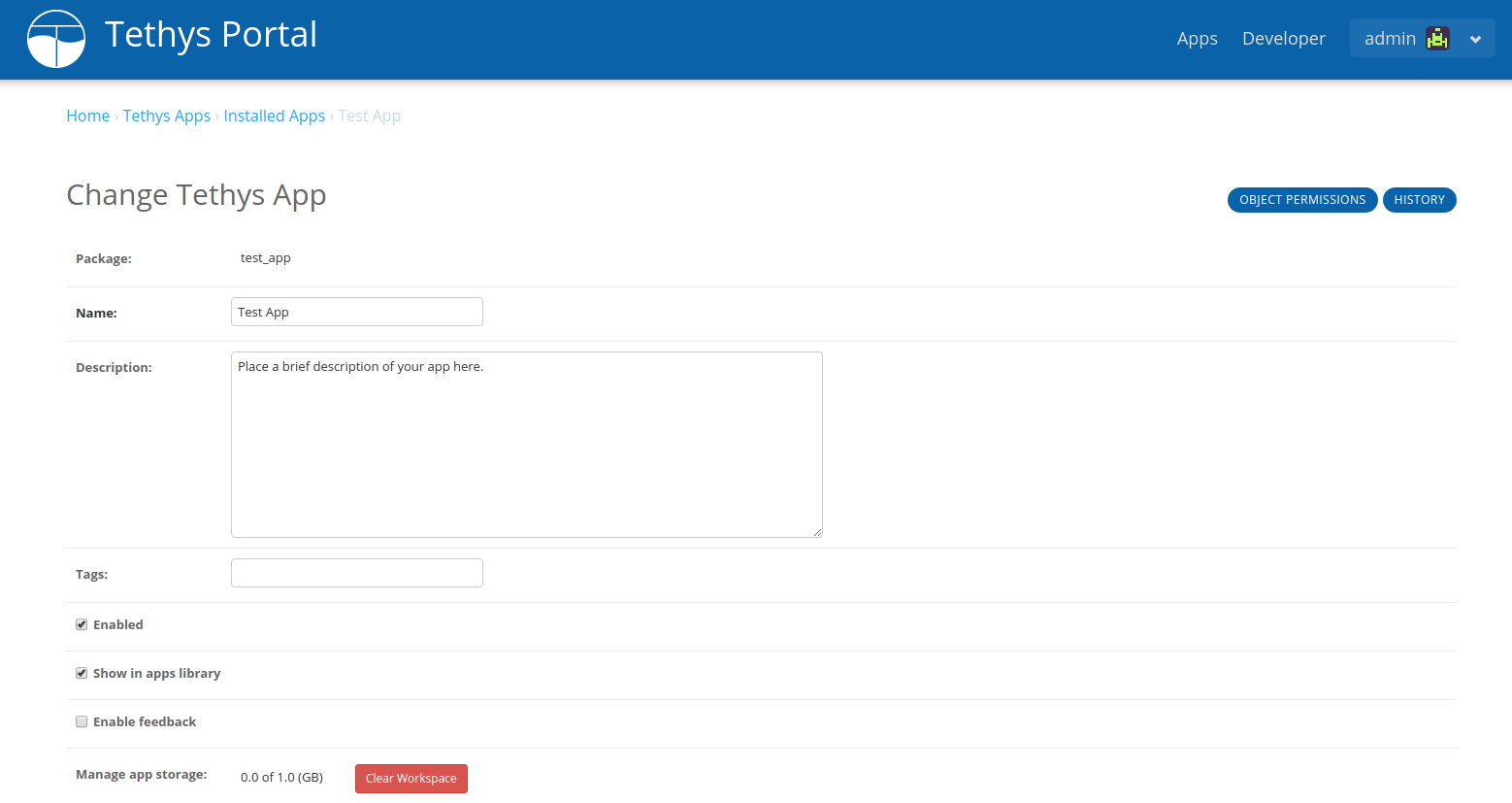
Figure 1. App settings page showing Manage App Storage.
Tip
See Handling Workspace/Media Clearing for information on how to pre/post process the app workspace when it is cleared.
Warning
Clear Workspace will completely empty the app workspace.