

Add a Map Layout
Last Updated: June 2025
Optional prerequisite: Scaffold App
The map layout is a fundamental feature of Tethys that can be added to your app with just a few lines of code.
1. Swap default home controller with Map Layout
When you scaffold a new app, by default the controllers.py script contains a home function that controls the backend logic for the home screen of your app. It is possible to add a Map View and other map tools using Tethys Gizmos.
However, if you want a single-page web mapping application with very common web mapping features, we can instead configure the Tethys Map Layout.
This can be done by replacing the entire contents of controllers.py with the following code:
from tethys_sdk.layouts import MapLayout
from tethys_sdk.routing import controller
from .app import App

@controller(name="home", app_workspace=True)
class MapLayoutTutorialMap(MapLayout):
    app = App
    base_template = f'{App.package}/base.html'
    map_title = 'Map Layout Recipe'
    map_subtitle = 'Map Subtitle'
Tip
MapLayout will override much of the base template you provide it as an argument, including the app_content and app_navigation_items blocks
It is that simple! Return to your tethys server and open your app, refresh if needed, and confirm the change. Your map layout should look like the figure below.
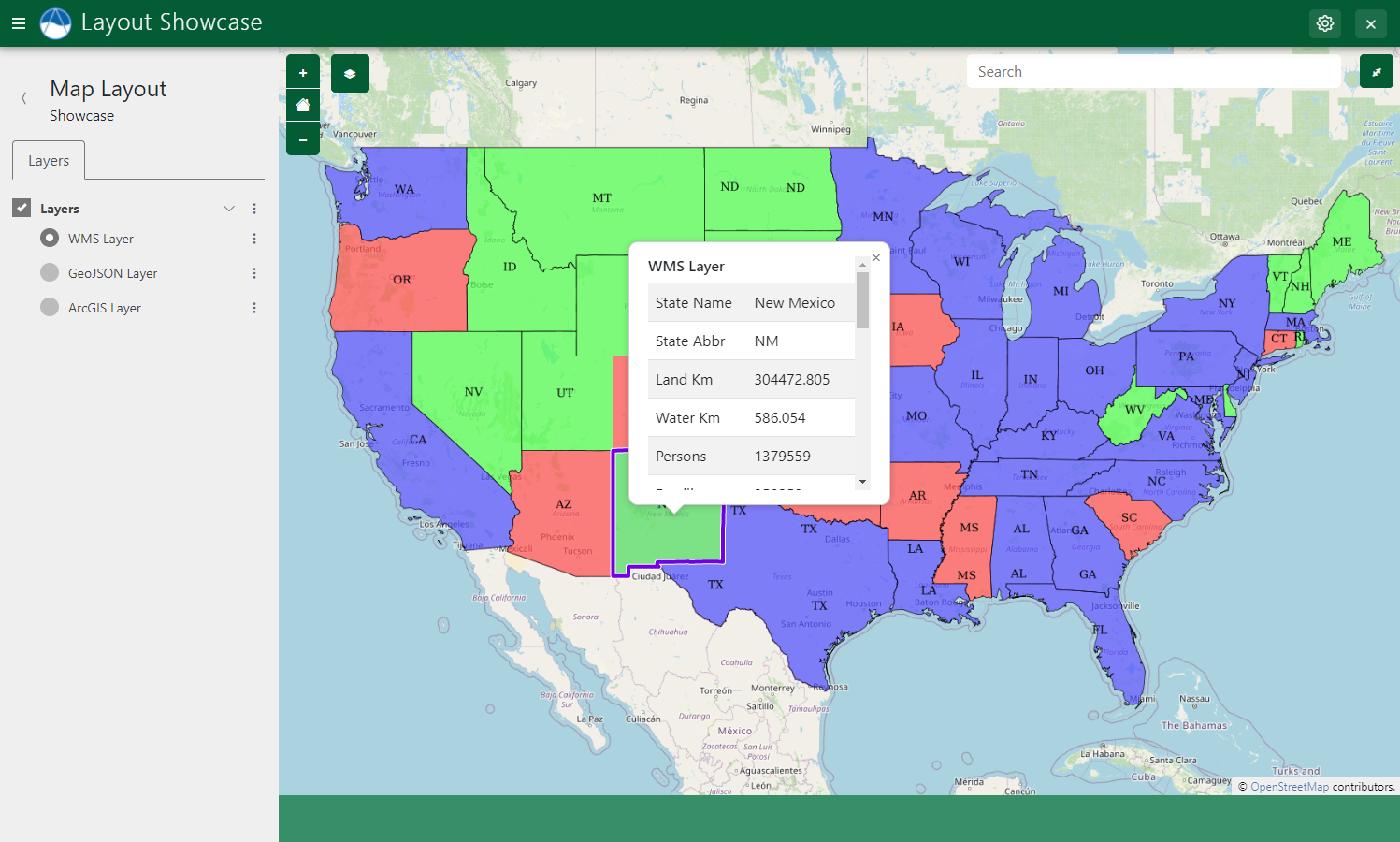
With under a dozen lines of code, you now have a fully interactive map with extent controls, basemap layer change, full screen mode, and a layers panel.
Tip
For more details on map layouts see the Map Layout API