

Terms and Conditions
Important
This feature requires the django-termsandconditions library to be installed. Starting with Tethys 5.0 or if you are using micro-tethys-platform, you will need to install django-termsandconditions using conda or pip as follows:
# conda: conda-forge channel strongly recommended
conda install -c conda-forge django-termsandconditions

# pip
pip install django-termsandconditions
Portal administrators can manage and enforce portal wide terms and conditions and other legal documents via the administrator pages.
Use the Terms and Conditions link to create new legal documents (see Figure 1). To issue an update to a particular document, create a new entry with the same slug (e.g. 'site-terms'), but a different version number (e.g.: 1.10). This allows you to track multiple versions of the legal document and which users have accepted each. The document will not become active until the Date active field has been set and the date has past.
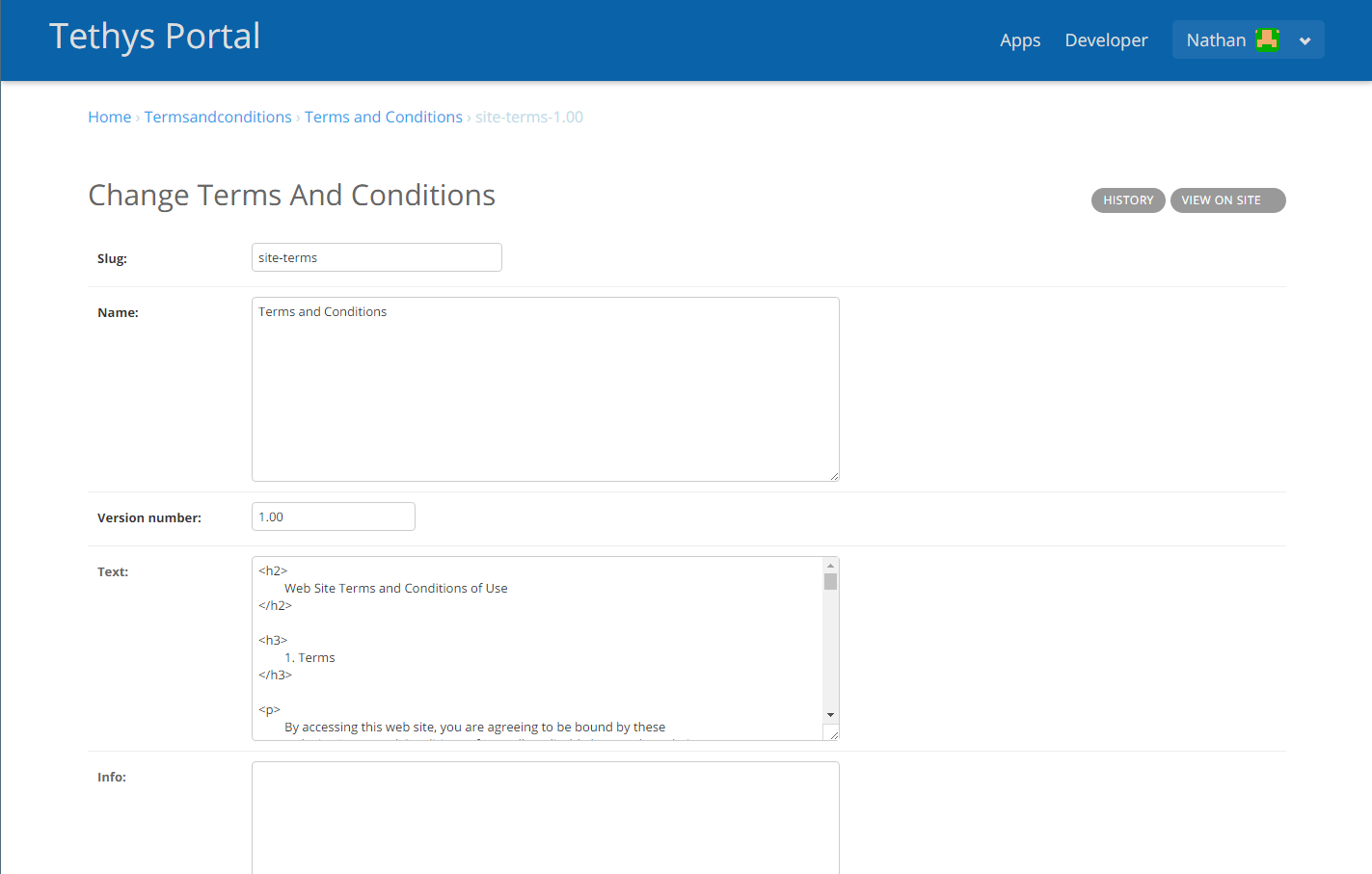
Figure 1. Creating a new legal document using the terms and conditions feature.
When a new document becomes active, users will be presented with a modal prompting them to review and accept the new terms and conditions (see Figure 2). The modal can be dismissed, but will reappear each time a page is refreshed until the user accepts the new versions of the legal documents. The User Terms and Conditions link shows a record of which users have accepted the terms and conditions.
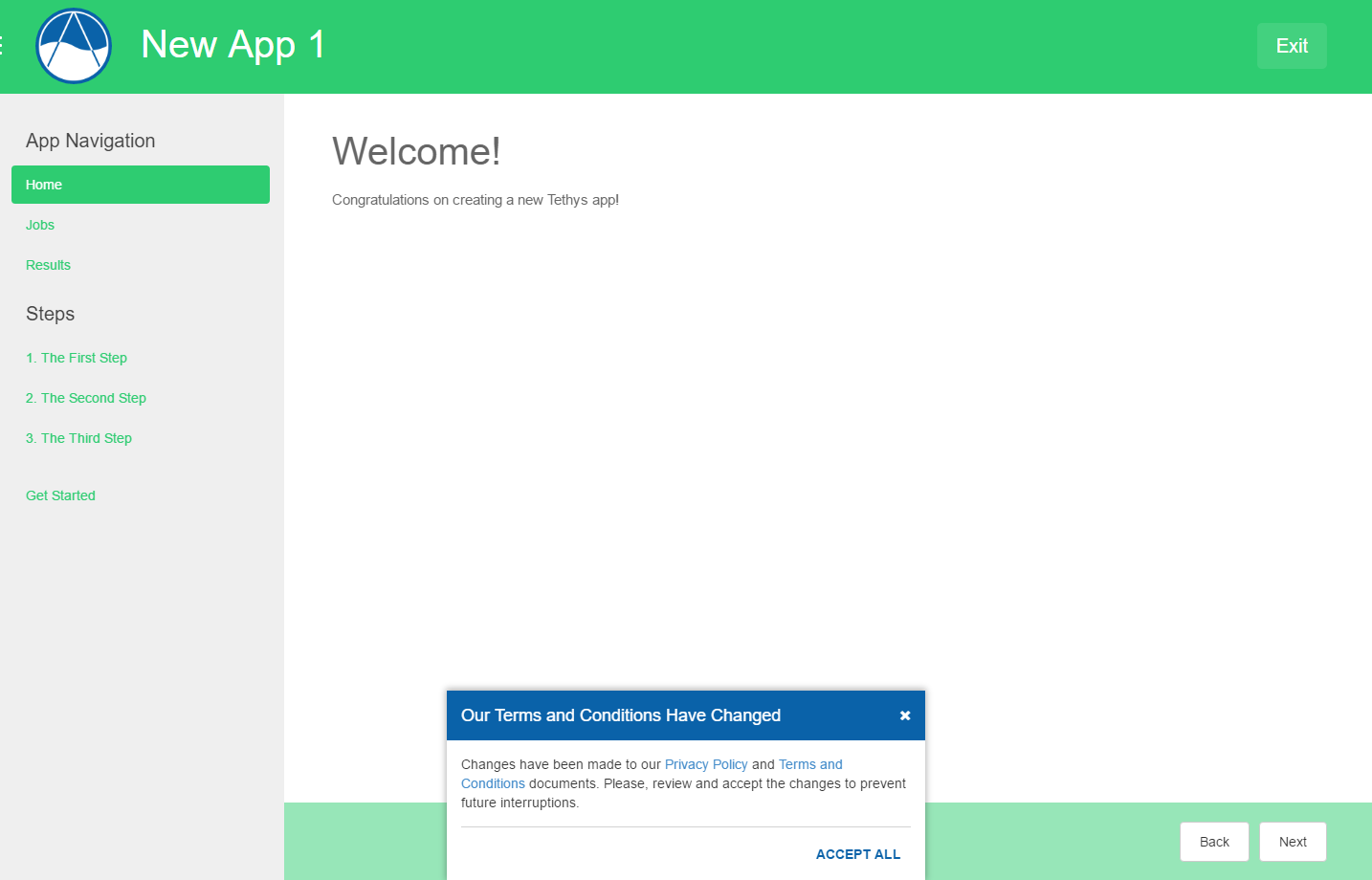
Figure 2. Terms and conditions modal.