

Custom Quotas
Last Updated: September 2025
This recipe goes over how to add and enforce custom quotas. Custom quotas allow you to enforce limits on storage or other resources such as databases. Custom quotas can be enforced on either apps or users.
Building a Custom Quota
In this example, we'll be adding a custom quota that restricts the number of measurement stations a single user can add.
Begin by adding an new file named station_quota_handler.py
Inside station_quota_handler.py add the following:
from tethys_quotas.handlers.base import ResourceQuotaHandler
from .model import MeasurementStation
from .app import App

class StationQuotaHandler(ResourceQuotaHandler):
    """
    Defines quotas for measurement station storage for the persistent store._custom_quotas

    inherits from ResourceQuotaHandler
    """

    codename = "station_quota"
    name = "Measurement Station Quota"
    description = "Set quota on station db entry storage for persistent store."
    default = 25 # Number of stations that can be created per user
    units = "station"
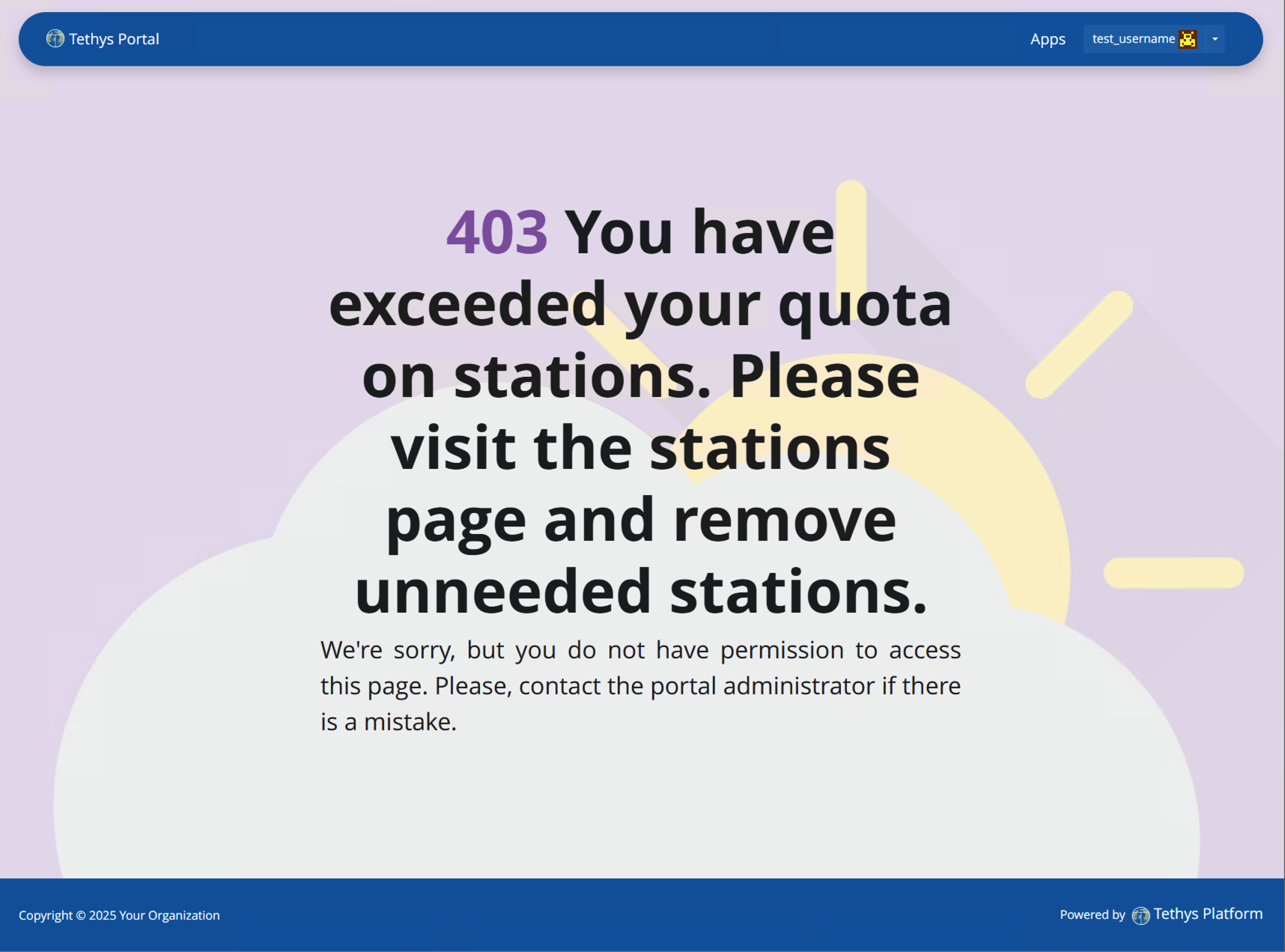
    help = "You have exceeded your quote on stations. Please visit the stations page and remove any unneeded stations."
    applies_to = ["django.contrib.auth.models.User"]

    def get_current_use(self):
        """
        calculates/retrieves the current number of stations in the database that the user has added.

        Returns:
            Int: current number of stations in database
        """
        # Query database for count of stations
        Session = App.get_persistent_store_database('primary_db', as_sessionmaker=True)
        session = Session()
        current_use = session.query(MeasurementStation).filter(MeasurementStation.user_id == self.entity.id).count()

        session.close()

        return current_use
Now go into the portal's portal_config.yml file and add the dot-path of the handler class you just created in the RESOURCE_QUOTA_HANDLERS array.
settings:
  RESOURCE_QUOTA_HANDLERS:
    - tethysapp.dam_inventory.station_quota_handler.StationQuotaHandler
A simple way to do this is in the tethys CLI by running this command:
tethys settings --set settings.RESOURCE_QUOTA_HANDLERS ["tethysapp.dam_inventory.station_quota_handler.StationQuotaHandler"]
Make sure the Tethys development server restarts by pressing CTRL-C and then running tethys start.
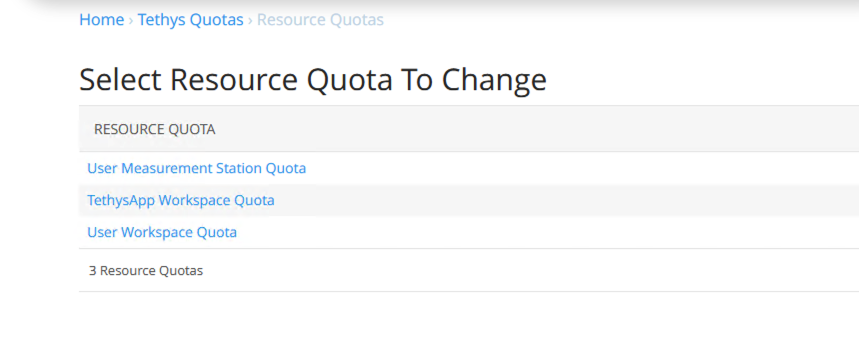
After re-starting tethys the User Dam Quota should be visible in the Resource Quota section of the admin pages. Click on it and make sure Active and Impose default are both Enabled.
Enforcing a Custom Quota
To enforce your new custom quota set the enforce_quotas argument on the controllers decorator and add it to a controller:
from tethys_sdk.routing import controller

@controller(url='stations/add', enforce_quotas='user_station_quota')
def add_station(request):
    """"
    Controller for the add station page
    """
    ...
You can test this quota by logging into a non-admin account and adding 3 stations. The next time you go to the add station page, or whatever controller you've added this quota to, you'll be taken to an error page that looks like this;
For more information on using the Quotas API in Tethys, check out the Quotas Documentation