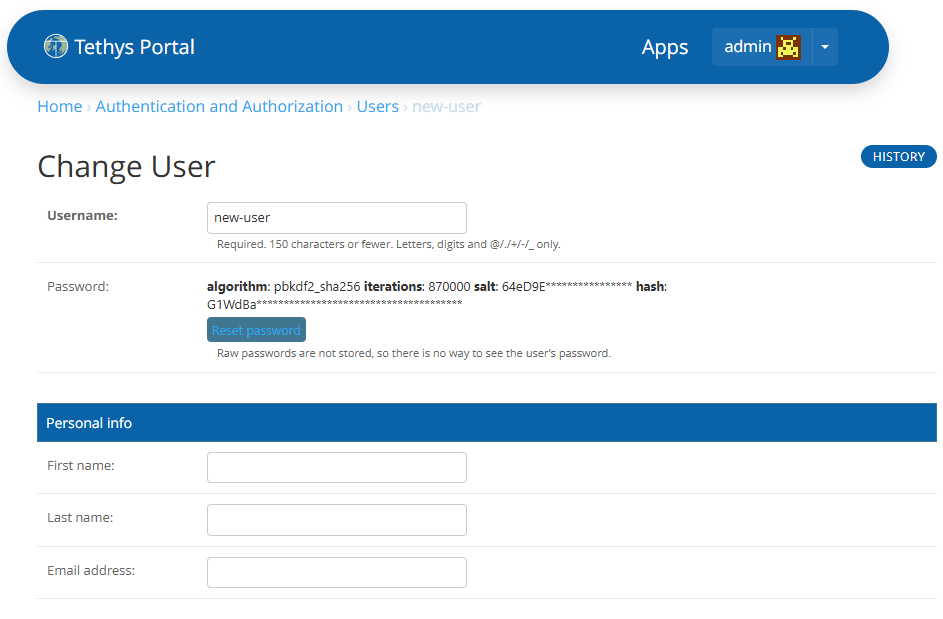
Add New User
Last Updated: October 2025
This recipe will show you how to manually add new users that can access your app(s) through your portal.
Adding A User
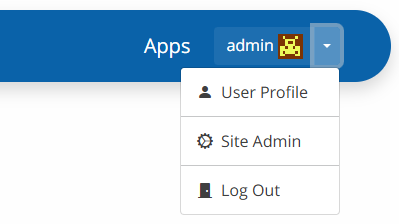
Login to the Tethys Portal as the admin and select "Site Admin" from the dropdown menu in the upper right corner.
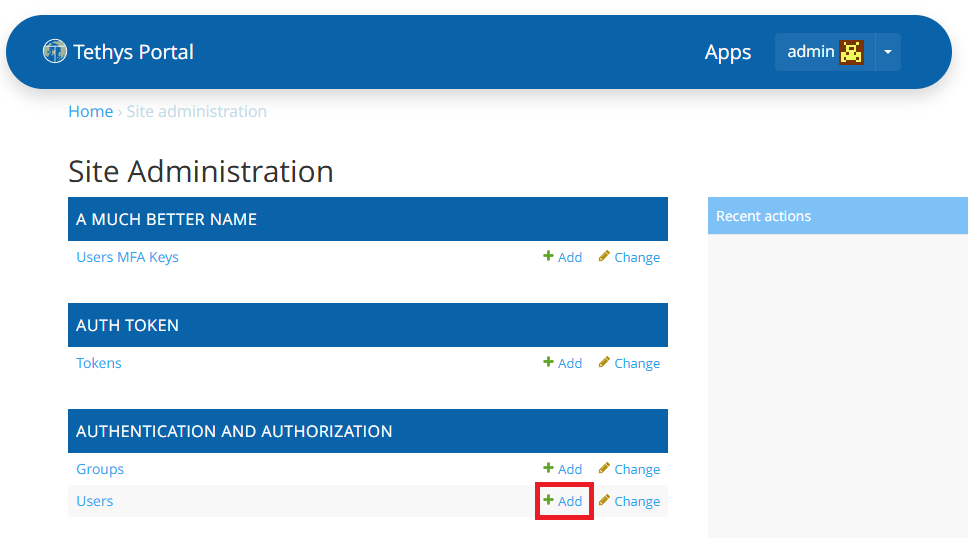
From the Site Administration page find the "Authentication and Authorization" section and click on "+ Add" next to Users.
Enter a new Username, select if you want the password-based authentication, enter a password, and confirm the password.
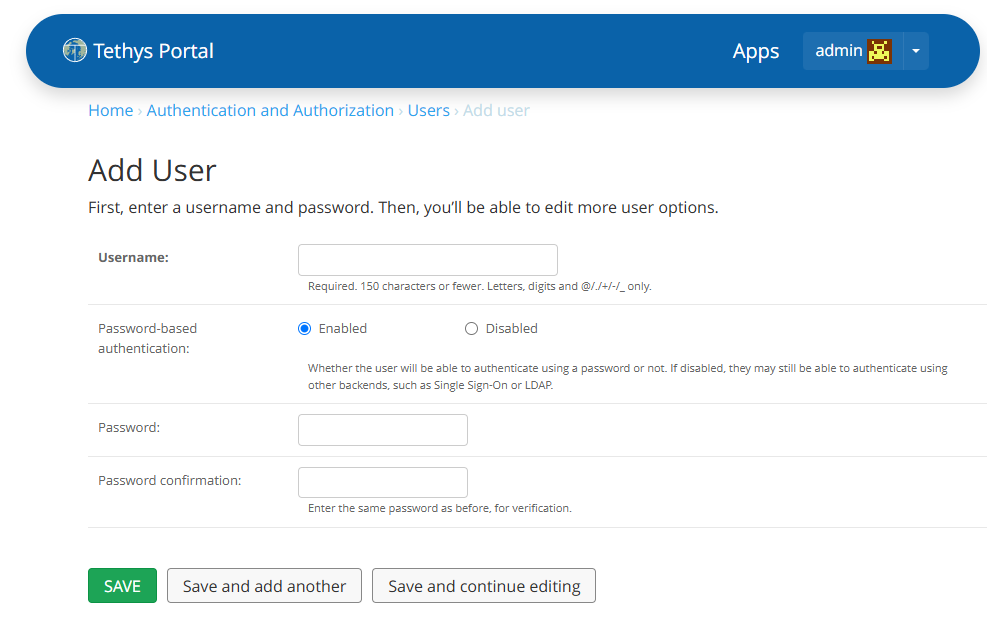
Save the new user to the portal.
Updating User information
User information can be updated by the site administrator.
Simply go to the "Site Admin" page using the dropdown menu in the upper right corner. Under "Authentication and Authorization" click "Users". Select the user you want to edit from the list.
From here you can change a user's profile, permissions, and user workspace quota.